
Best Practices for Storing Electronics in Oxford, MS
Proper care is crucial to keep electronics safe from damage, especially in a place like Oxford where humidity and temperature can vary. Attention to cleaning, packing, and power management can prevent common problems like corrosion, battery leaks, and dust buildup.
Preparing Devices Before Storage
Before storing any electronics, it is important to clean them thoroughly. Dust and grime can cause damage over time. Use a soft, dry cloth to wipe surfaces and air vents. Avoid using liquids unless the device is specifically rated for cleaning with damp cloths.
All data should be backed up safely. Using cloud storage or an external hard drive ensures information is not lost if the device fails. Remove all removable media like USB sticks or memory cards to avoid damage or loss.
If possible, return devices to their original packaging. This packaging is often designed to protect the product from physical shocks, dust, and moisture during storage.
Choosing the Right Packing Materials
Packing materials should provide cushioning and reduce moisture exposure. Use anti-static bubble wrap or foam padding to protect sensitive components from static electricity and impact.
Store smaller items in sealed plastic bags to keep out dust and bugs. Label all packages clearly to avoid opening everything to find one device later.
Choose storage containers made of sturdy plastic rather than cardboard. Plastic bins resist moisture better and do not break down easily in humid conditions common in Oxford, MS.
Opt for a climate-controlled storage unit when possible. This helps keep temperature and humidity stable, reducing the risk of damage from extreme conditions.
Powering Down and Battery Care
Always power down devices completely before storing. Leaving them in sleep mode can drain batteries and cause corrosion if batteries leak.
Remove all batteries from devices to prevent leaks. This includes disposable and rechargeable batteries. Store batteries separately in a cool, dry place.
For devices with built-in rechargeable batteries, charge them to about 50% before storage. This helps preserve battery health over longer periods.
Do not try to charge devices while in storage. This increases risks and can lead to damage if left unattended.
Following these steps reduces the risk of power-related damage during storage and helps keep electronics ready for use when taken out.
Storage Environment Considerations
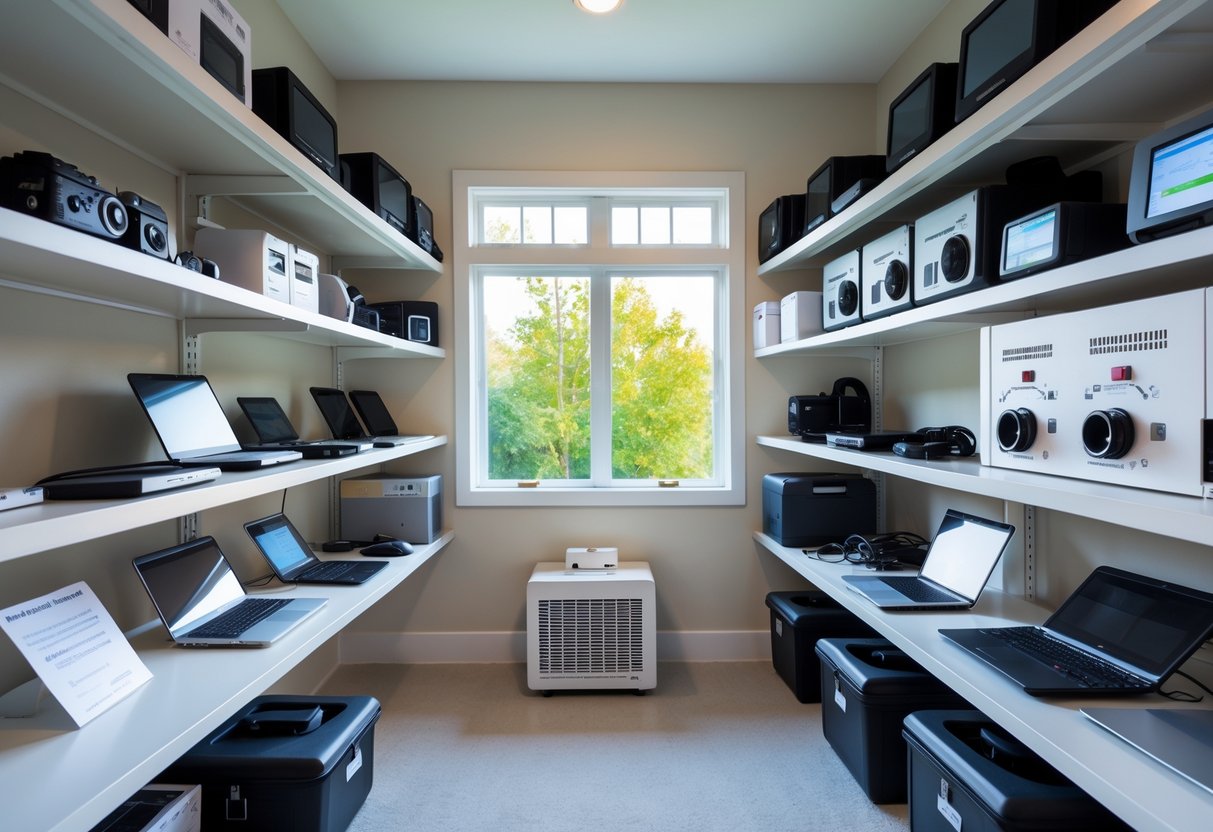
Proper storage conditions help extend the life of electronics. Temperature, humidity, and cleanliness all play key roles in preventing damage over time. Careful control of these factors will protect delicate components inside devices.
Optimal Temperature and Humidity Levels
Electronics should be stored in environments with stable temperatures between 50°F and 77°F. Temperatures above this range can cause internal parts to warp or melt. Extreme cold can also damage components.
Humidity levels are equally important. Ideally, humidity should stay between 30% and 50%. High humidity leads to condensation, which can corrode circuits and cause short circuits. Low humidity may cause static electricity, which can harm sensitive parts.
Maintaining consistent temperature and humidity prevents stress on devices. This is crucial for items like laptops, TVs, and game consoles commonly stored in Oxford, MS, where seasonal changes bring heat and moisture fluctuations.
Benefits of Climate-Controlled Storage Units
Using a climate-controlled storage unit provides a stable environment to protect electronics. These units regulate both temperature and humidity automatically, preventing damage from extreme weather.
Climate control also prevents mold and mildew that can form on devices in warm, humid climates. This is especially beneficial in places like Oxford, MS, where summers can be hot and humid.
Many climate-controlled units have improved insulation and sealed doors to keep out dust and pests that could harm electronics. This option is often worth the extra cost for long-term storage to maintain electronics in good condition.
Protecting Against Dust and Moisture
Dust buildup can clog vents and damage screens or circuitry over time. Electronics should be cleaned thoroughly before storage, removing dirt and debris.
To guard against moisture, devices should be stored in airtight containers or sealed plastic bags with desiccant packets to absorb excess moisture. Avoid storing batteries inside devices to prevent leaks.
Organizing electronics off the floor on shelves or pallets also reduces moisture risk, especially in non-climate-controlled spaces. These steps help keep gadgets safe from corrosion or electrical damage caused by dust and moisture.
For more detailed guidance on storing electronics safely, review tips from StaxUP Self Storage.
Long-Term Protection and Maintenance
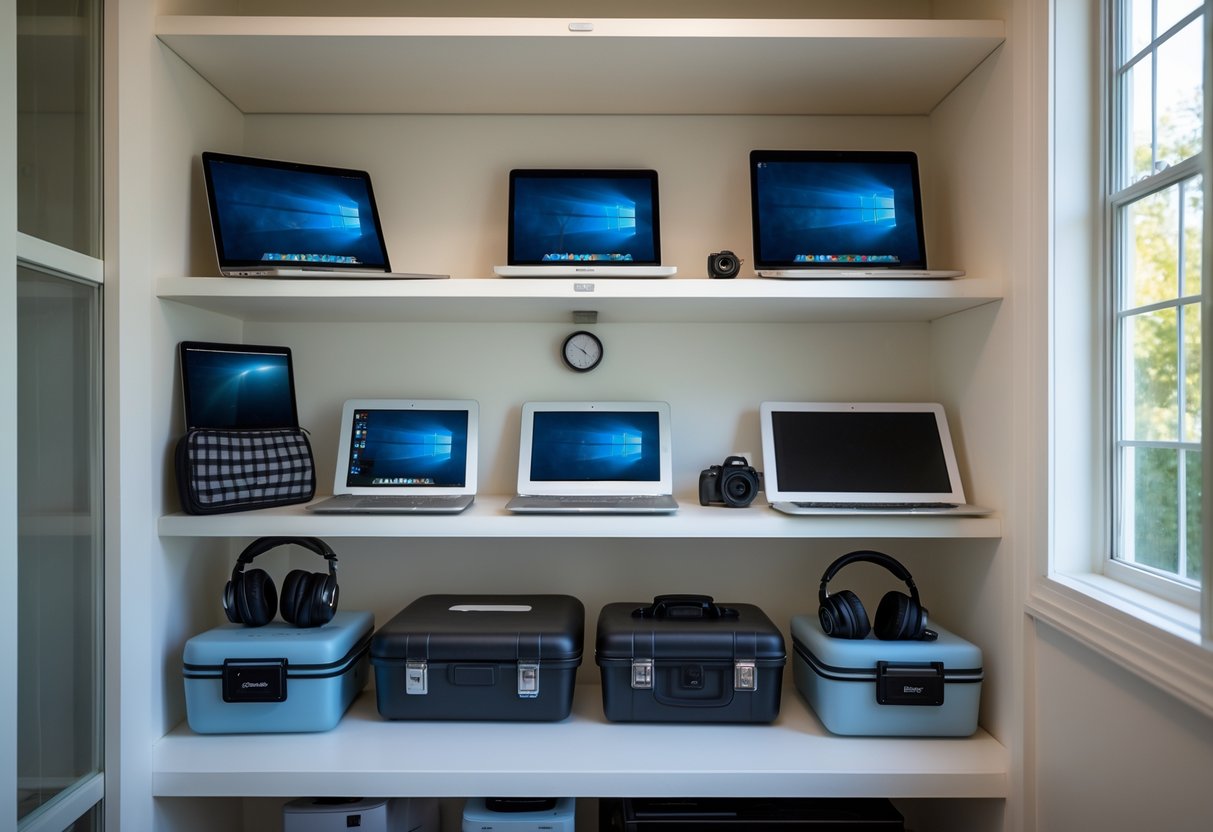
Proper care during long-term storage ensures electronics stay safe and functional. Key practices include clear labeling for easy access and investing in insurance and security to protect devices from damage or theft.
Labeling and Organization Tips
Labeling each device clearly helps prevent confusion when retrieving items. Use durable, waterproof labels with the device name, model number, and date stored. This information quickly identifies each piece without opening every box.
Organize electronics by type or usage frequency. Store smaller devices in separate padded containers to avoid damage. Keep power cords and accessories together using zip ties or small bags labeled with the device name.
Creating an inventory list, either digital or printed, is useful. It should include item descriptions and box locations. This list speeds up finding items and helps track what is in storage.
Insurance and Security Options
Insurance protects electronics from loss due to theft, fire, or water damage. Choosing a policy that covers the full value of stored electronics is important. People should check if their homeowner’s insurance extends to off-site storage or if they need additional coverage.
Security measures for storage units include using climate-controlled units with alarm systems and surveillance cameras. A sturdy lock or a disc lock increases security against break-ins.
Some facilities offer insurance packages alongside storage rentals, simplifying protection. Confirm details about claim processes and coverage limits before finalizing any plan.
Where to Store Your Electronics in Oxford, MS
Choosing the right storage unit for electronics is important to protect them from damage. Climate control is a key feature to look for. It keeps humidity and temperature steady, which prevents moisture and heat from harming sensitive devices.
In Oxford, many facilities offer climate-controlled units. For example, Iron Storage provides secure units with controlled access and surveillance cameras, making it a reliable option for electronic items.
Here are some key qualities to seek in a storage unit for electronics:
- Climate control to manage temperature and humidity
- 24/7 security camera monitoring
- Controlled access or gated entry
- Clean, dry, and pest-free environment
Some Oxford units vary in size from small lockers to larger spaces, so people can choose what fits their needs. Smaller units like 5’x5’ or 5’x10’ are often good for storing electronics without extra clutter.
For more details, looking at specialized self-storage listings in Oxford is helpful. Overall, prioritizing safety and climate control is the best way to keep electronics in good condition while in storage.